What this is
A reproducible build for Ubuntu 24.04 / 26 desktops. Clone the repo,
run install.sh, and get the same toolchain and hardening
used on the reference machine. Part of
VulnScape.
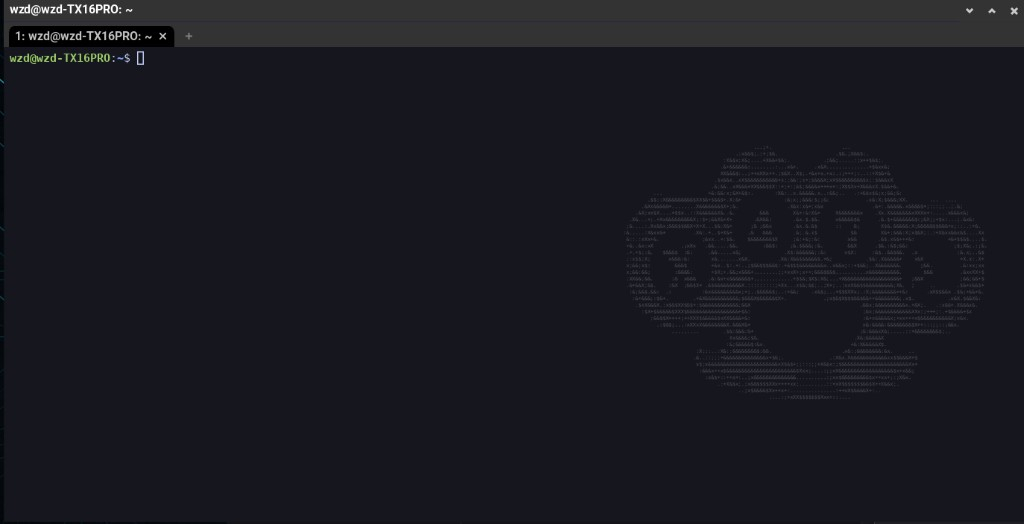
- WezTerm as default terminal (wide window + X47 watermark); GNOME Terminal removed
- Privacy apps — Mullvad VPN (apt) and Tor Browser
- Pentest + dev tools via apt, Go, pipx, cargo, and release binaries
- Lean by default — language packs, Help, App Centre, Security Centre, and default desktop bloat removed; zram + trim; file indexer off (reversible)
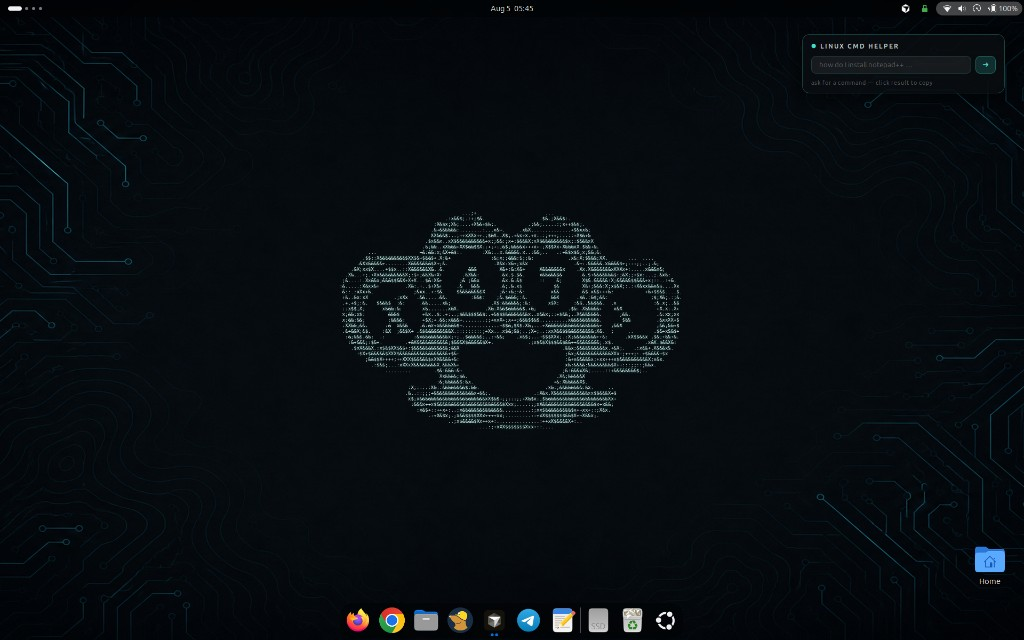
- Polished desktop — bottom dock always visible (hides in F11 fullscreen), 3D effects (Coverflow Alt-Tab, Desktop Cube, TV Glitch, Blur My Shell, wobbly windows), hover-only window controls and an ASCII-art X47 duster wallpaper
- Linux CMD Helper — a desktop card that turns plain-English questions into the exact Ubuntu terminal command (Claude Haiku); above desktop icons, under windows, click to copy
- Hardened Firefox — set as the default browser; telemetry/Pocket/sponsored off, tracking protection, HTTPS-only and DoH via system policy
- Hardening restored from a snapshot (UFW, fail2ban, AppArmor, auditd, sysctl)
- Amnesia mode (opt-in) — RAM-only
anonhome, Tor kill-switch, random MAC, NymVPN; same desktop looks as main (no widgets); WezTerm default
Get the installer
Source and releases live on GitHub. There is no separate store or paid download.
git clone https://github.com/sk1tzwzd/ubuntu-x47-build.git
cd ubuntu-x47-build
chmod +x install.sh snapshot.sh modules/*.sh
./install.shInstall from ISO
Download the bootable installer from the latest GitHub release. It is a fresh Ubuntu 26.04 install — you choose language, disk, username, and password. No personal files from the reference machine are included; only the X47 installer scripts ride along. Pick Install X47 Ubuntu 26.04 at boot; first login runs the setup terminal. GitHub caps release files at 2 GB, so the ISO is split:
# download SHA256SUMS + every x47-ubuntu-26.04-desktop-amd64.iso.*.part, then:
cat x47-ubuntu-26.04-desktop-amd64.iso.*.part > x47-ubuntu-26.04-desktop-amd64.iso
sha256sum -c SHA256SUMS --ignore-missing
Write it to a USB stick with your usual tool (GNOME Disks,
balenaEtcher, or dd) and boot from it.
More screenshots
WezTerm, the command helper, and the optional amnesia session.
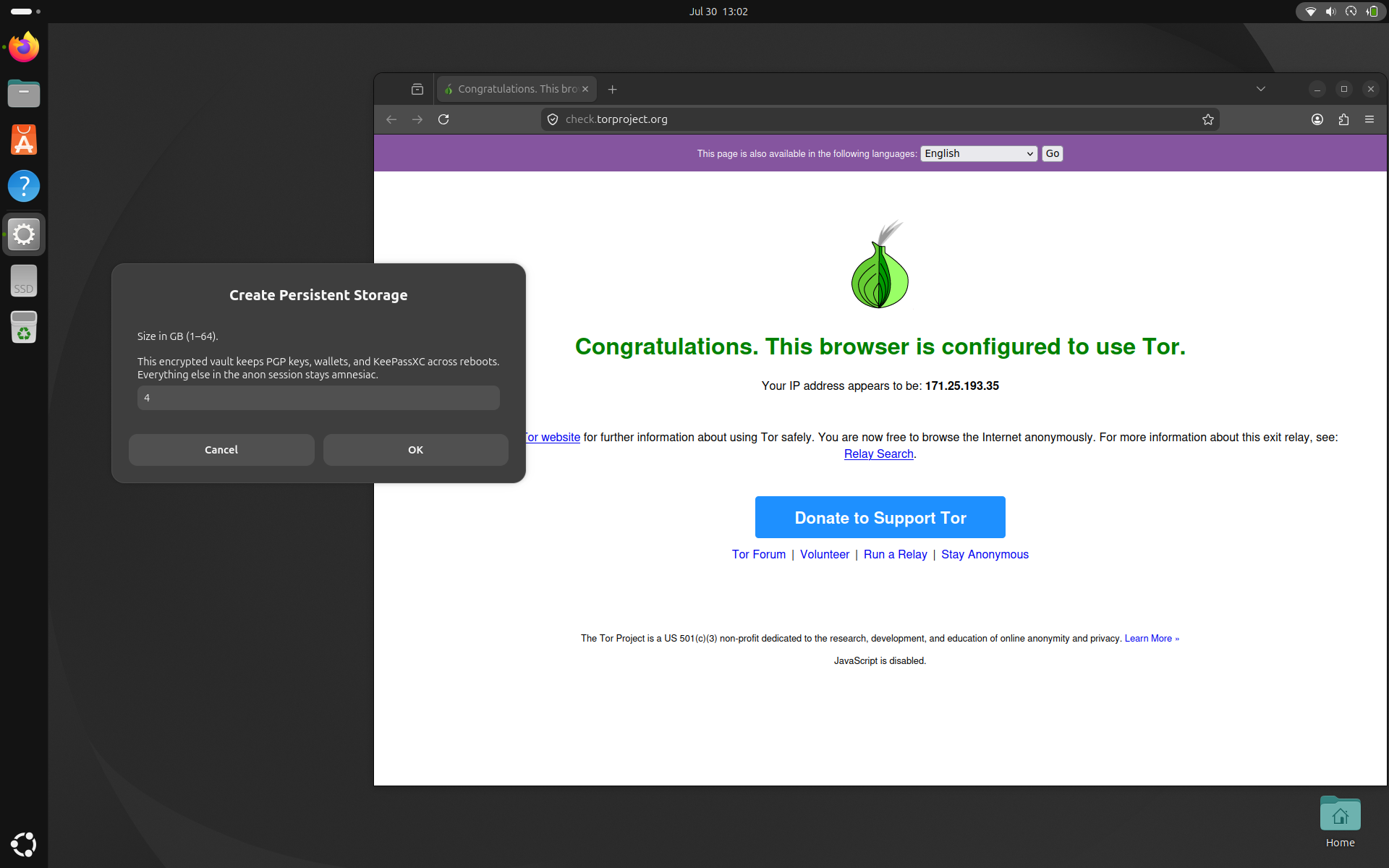
anon session — Tor verified, Create Persistent Storage.